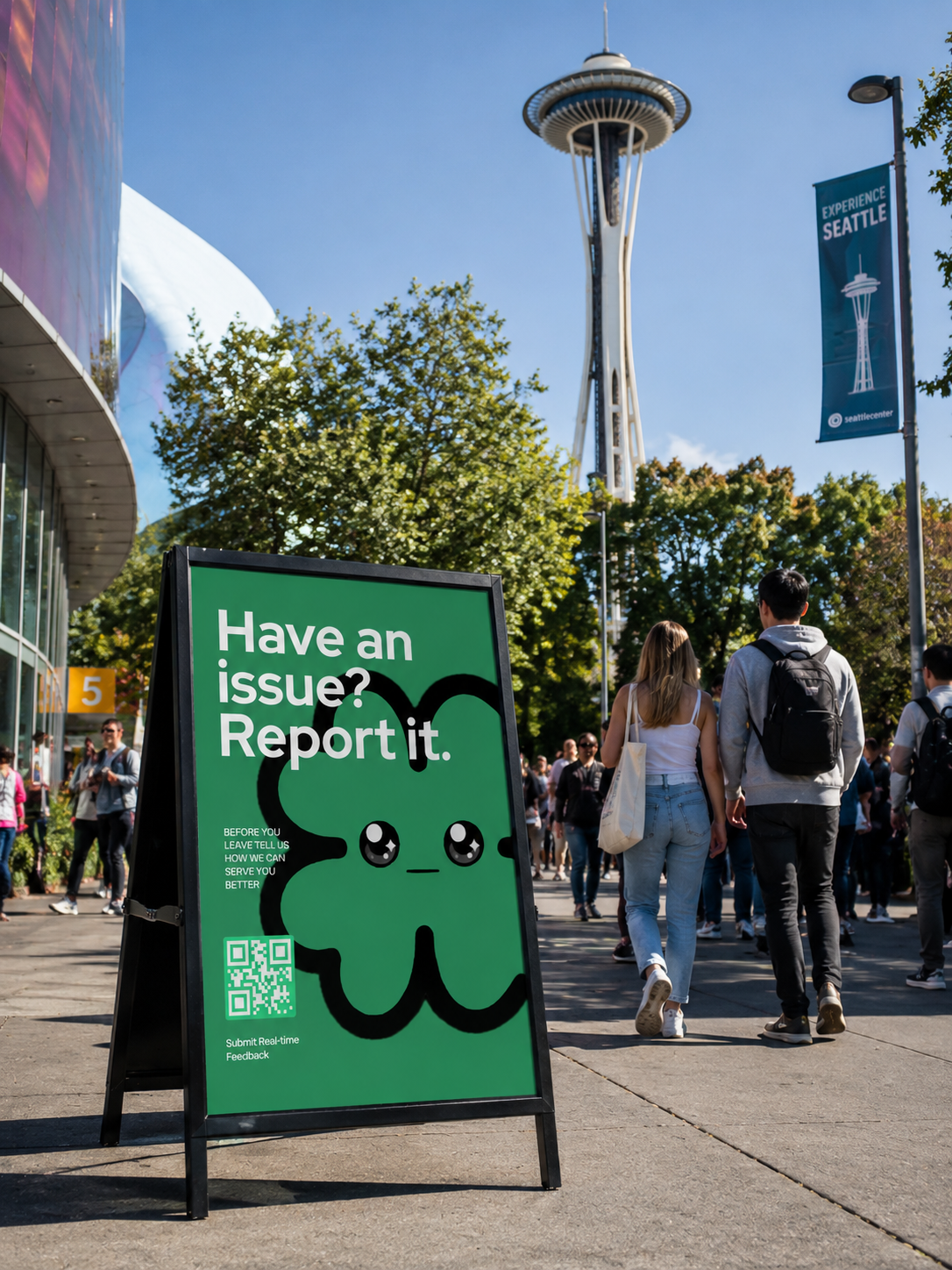
Deploy Echo to 1 store or 100. Every location gets its own Echo QR and its own alerts, so you catch the table-4 problem in Denver and the checkout line in Austin from the same account.
Every site handles complaints differently — some catch them, most don't. Regional and multi-unit teams don't need another survey tool. They need one system that behaves the same way at every door.
Each location gets its own Echo QR and its own alert routing. Everything rolls up into one dashboard your whole team already knows how to use.
Setup Time: About 10 Minutes Per Location.
Grand Champion BBQ — 4 locationsWe priced and built Echo Business so a manager could evaluate, buy, and deploy it without ever waiting on a rep. If it's not right for you, undoing it is as easy as setting it up.


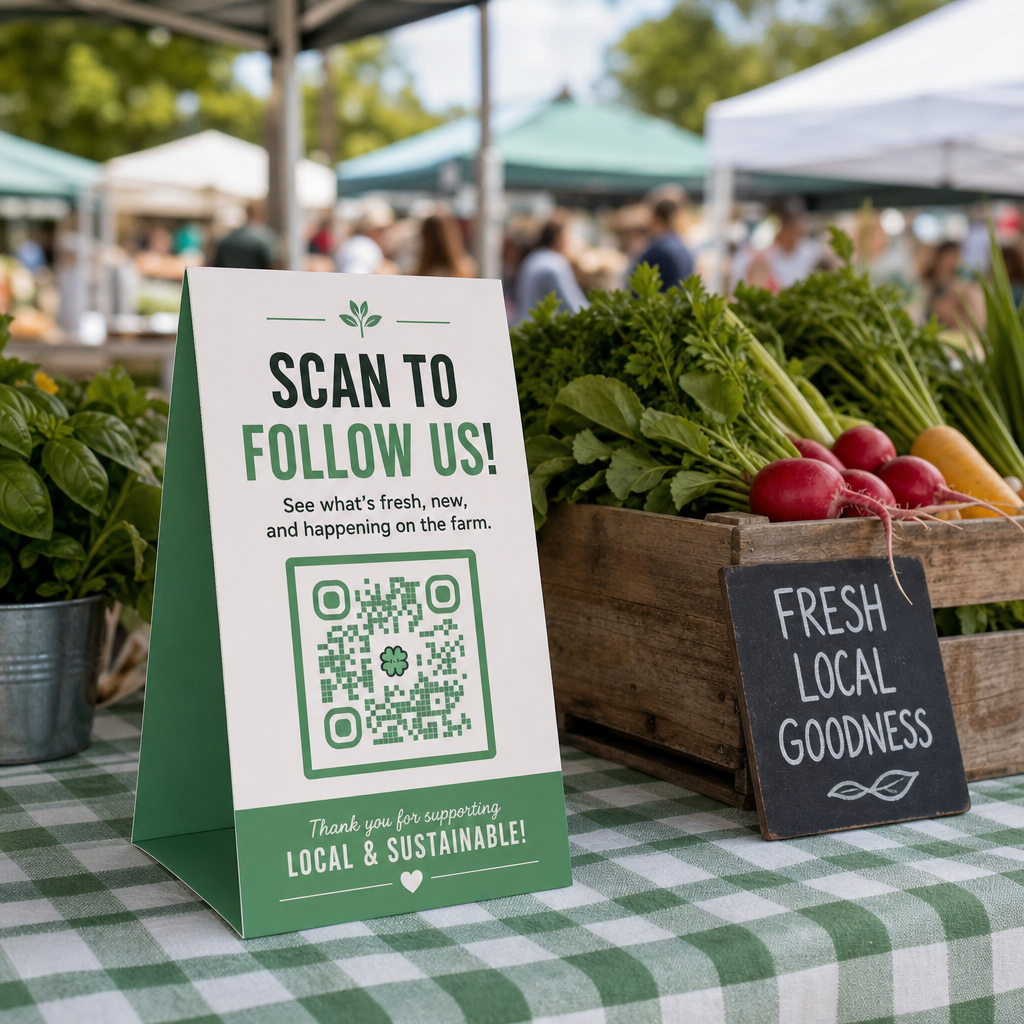
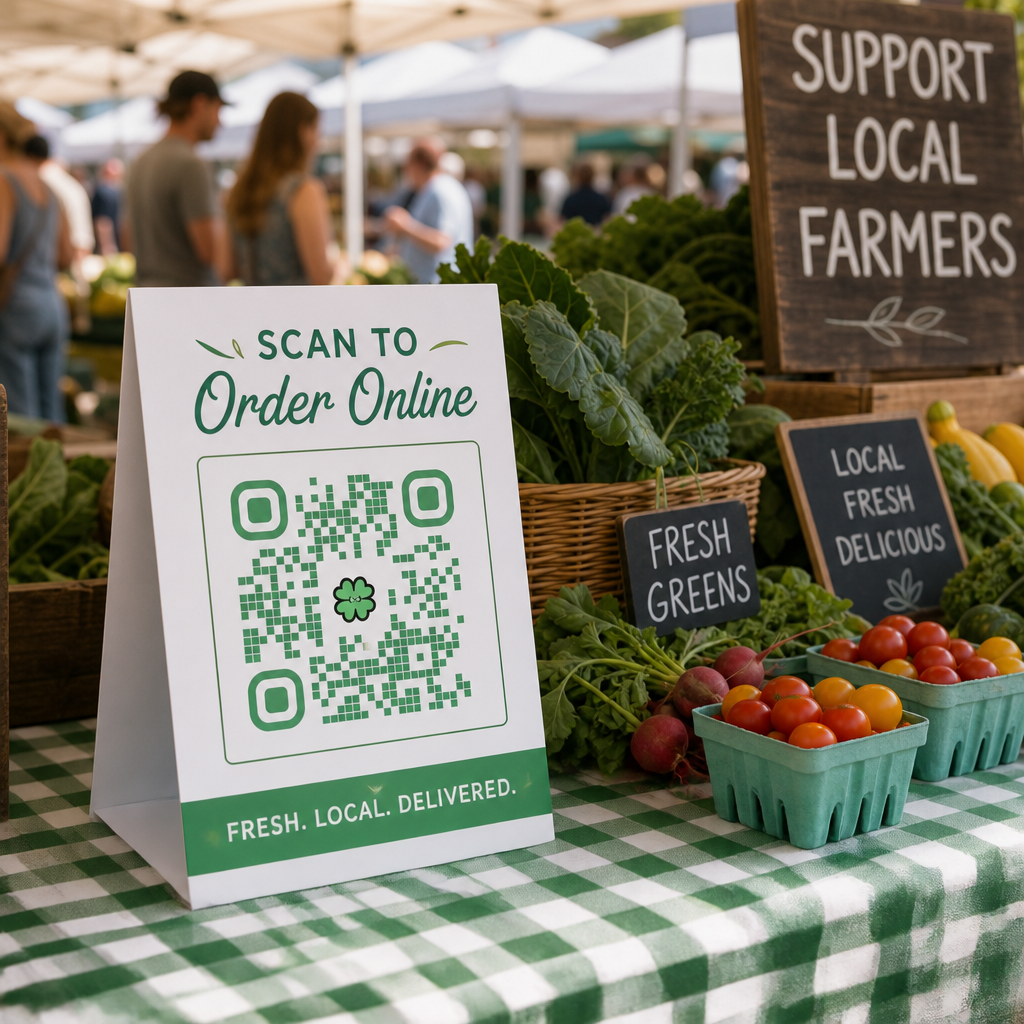
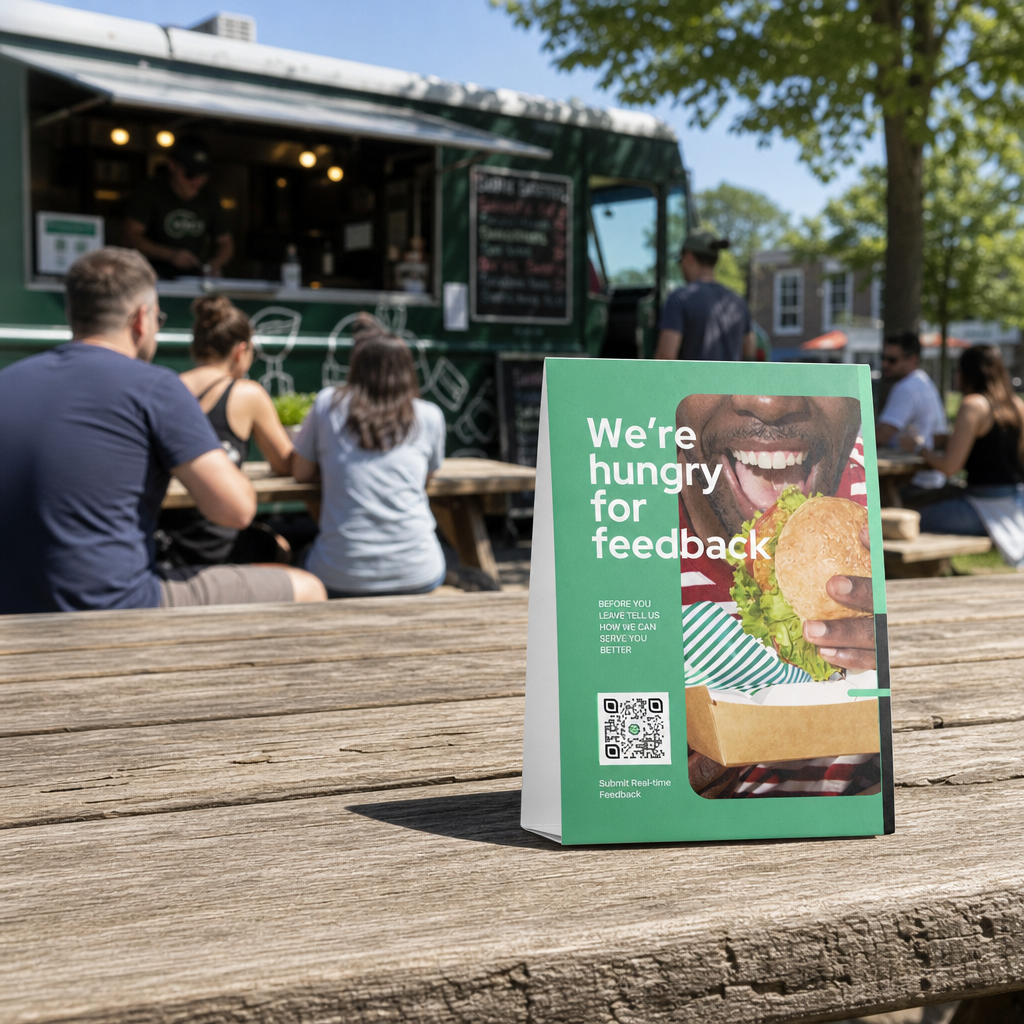
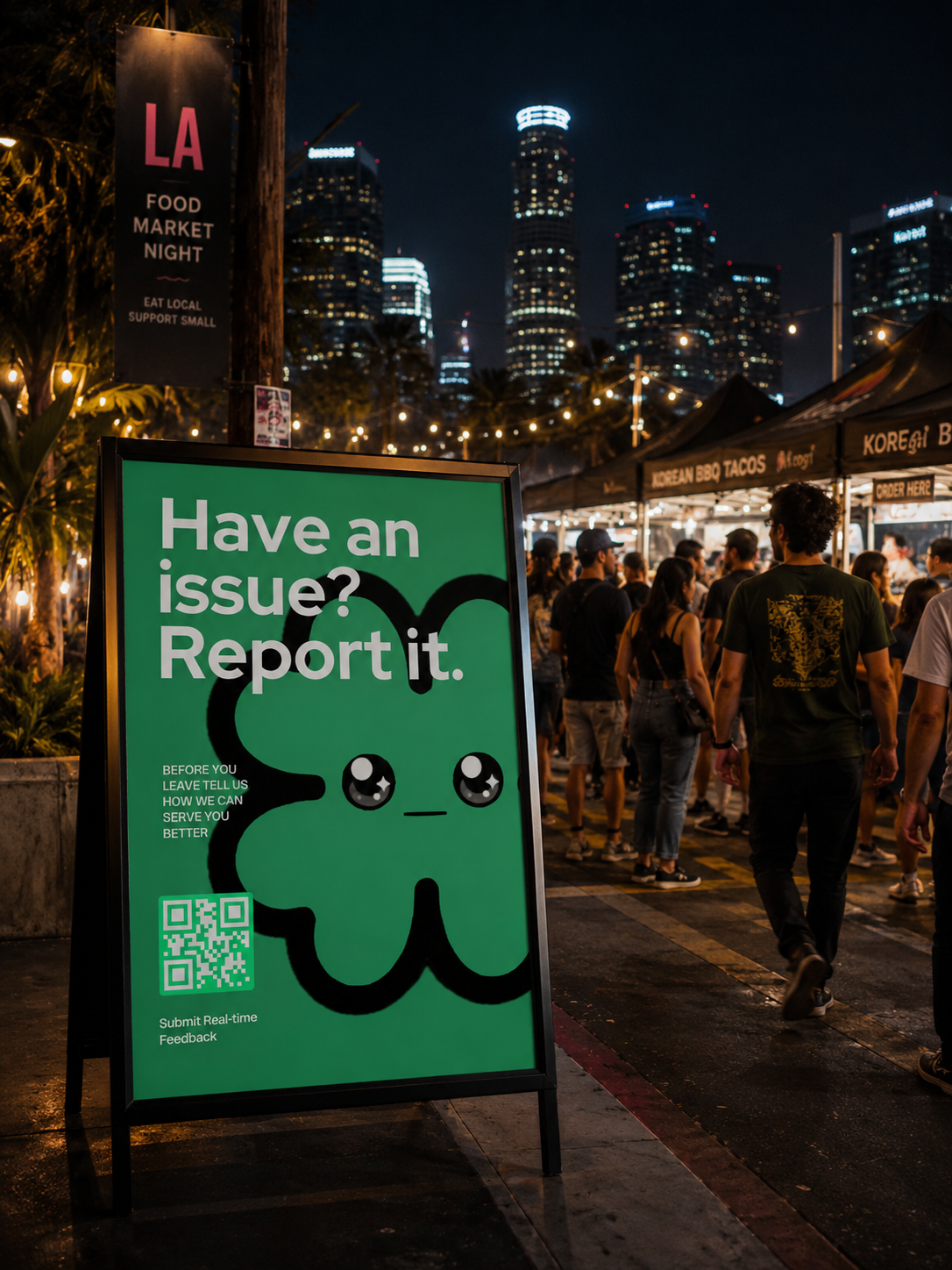
Pre-branded table tents, window clings, and receipt inserts. Print locally, scan to open feedback in seconds.
Drop a snippet into your site, app, or ordering flow to capture feedback inline — no redirect, no QR needed.
A shareable URL for the same feedback flow — drop it in receipts, SMS, email, or a social bio. No design work required.
Choose from our quick-start Echo template library and start collecting customer feedback in under 30 seconds—no setup, or guesswork, just launch and go.
Echo Business is $0 to start, forever — no credit card, no time limit. When you're ready to add locations, it's a flat $55/location per month, billed yearly. No tiers to climb, no sales call to find out what you'll actually pay.
Competitor pricing sourced from get.tattleapp.com/pricing and ovationup.com/pricing.
No sales call, no quote request. Set your location count and see exactly what Echo costs — and what Tattle would cost for the same footprint — before you commit to anything.
Stripe processes your card and confirms the subscription for the locations you selected.
Echo reads the email from your Stripe receipt and creates your account — nothing to fill out twice.
A one-click sign-in link lands in that same inbox within seconds. No password to set.
Click the link and you're adding your first location's QR — live before your coffee's cold.
Onboarding 6 or more locations? Let us do it for you. Learn more. below. do you have templates? team permissions?
No. The Free Forever plan has no credit card and no time limit — start with one location, print a QR, and see real submissions before you ever pay anything. Add your first location free →
Payment confirms, your account is created automatically from that email, and a magic sign-in link lands in your inbox within seconds — no separate signup form, no waiting on a rep.
We skip the sales team, the white-glove onboarding calls, and the custom-quote process entirely. That's a real cost for those platforms — for Echo it's a flat $55/location, whether you're adding your 1st or your 100th.
That's exactly what Free Forever is for. Run it at your flagship, see how the inbox and alerts feel day to day, then add the rest of your locations on Business Pro whenever you're ready — no re-onboarding required.
Yes. If you need to remove a location, simply contact your account manager or the Echo Support team. We'll help process the request and ensure everything is handled smoothly.
Chat with us.
If you're onboarding **6 or more locations**, our team will handle the setup for you. We'll create and configure each workspace with your business details, organize your locations, and even generate your first Echo QR codes at **no additional cost**. Our goal is to get your team up and running as quickly as possible, with a complete turnaround in **24 hours or less**. This complimentary onboarding service is entirely optional and available as a courtesy for our customers. Chat with your account manager to get started.
Echo is already flat-rate, so there's no tier to climb into — you're never stuck paying a small-portfolio premium while you wait to unlock a better price.
Traditional surveys ask guests how their meal was 2 days later via email when it's too late to fix. Echo captures real-time sentiment on-site before the guest pays or leaves, giving your team an immediate chance to recover the experience and protect your public NPS.
Yes. Team members can be added to any location and assigned across multiple workspaces without creating duplicate accounts. Available permission levels include General Manager (GM), Manager, Team Lead, and Viewer, allowing you to control access based on each person's responsibilities. Learn more